overthewire.bandit.lvl[13-14]
Level Goal
the password for the next level is stored in /etc/bandit_pass/bandit14 and can only be read by user bandit14. for this level, you don’t get the next password, but you get a private SSH key that can be used to log into the next level. Note: localhost is a hostname that refers to the machine you are working on.
Solution
after logging into the server as user bandit13 we find the private key for user
bandit14 in a file named sshkey.private in the home directory for user bandit13.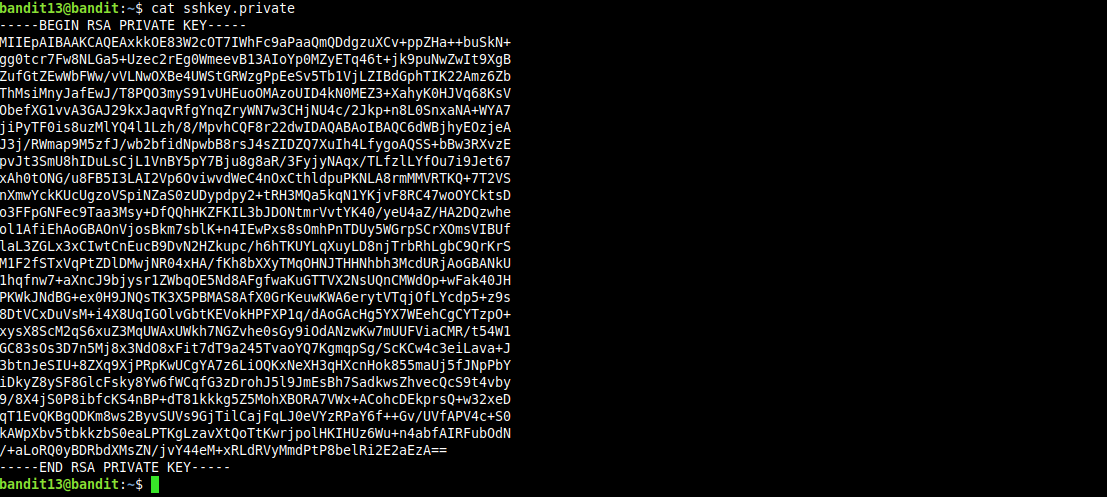
now we should save the contents of sshkey.private on our localhost, i named mine (bandit14.sshkey.private).
the ssh command man pages states that the files that contain the private key, has to be readable by the owner but not accessible by others.
contains the private key for authentication. these files contain sensitive data and should be readable by the owner but not accessible by others (r/w/x). ssh will simply ignore a private key file if it’s accessible by others. it’s possible to specify a passphrase when generating the key which will be used to encrypt the sensitive part of this file with 3DES.
creating the file with permissions (660) will do just fine, now we will add our private key to the authentication agent and set the lifetime of the private key to 20 seconds, so it can be removed automatically by the authentication agent
now we can login into the server as user bandit14, cat(1) /etc/bandit_pass/bandit14 to get password for next lvl and we are done.