overthewire.bandit.lvl[25-26]
Level Goal
logging in to bandit26 from bandit25 should be fairly easy… the shell for user bandit26 is not /bin/bash, but something else. find out what it is, how it works and how to break out of it
Solution
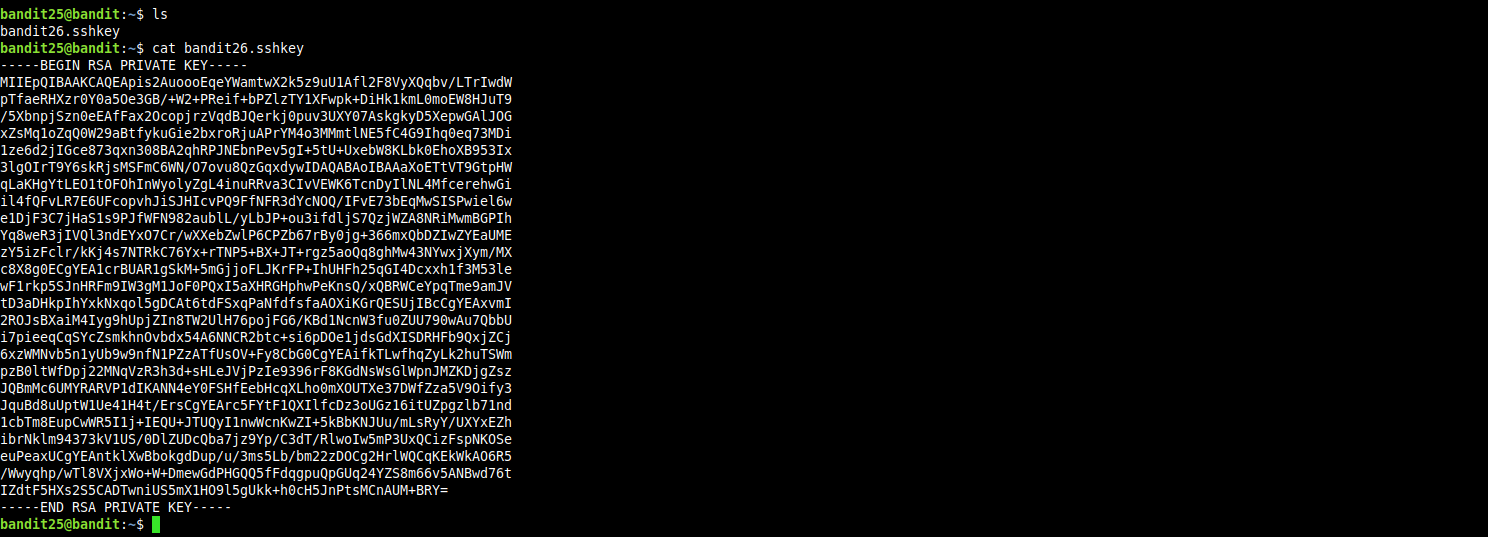
first let’s login to server as user bandit25, we will find the private key for user bandit26 which we will add to our ssh agent so we can log into the server as user bandit26.
if we try to login as user bandit26 we will be presented with and ascii-art banner, then the session will be terminated immediately.

so let’s go back and login as user bandit25 again, this time we will try to find more about the default shell for user bandit26.
we can find the deafult shell for user bandit26 from the /etc/passwd file.

so the default shell for user bandit26 is /usr/bin/showtext, let’s get more information about it.

well, it’s a shell script that does nothing but open the file text.txt in home directory for user bandit26 using more(1) command and then exits.
hmmm, the trick must be related to how the more(1) command handles files, the following is a description for the more(1) command from it’s man page.
more is a filter for paging through text one screenful at a time.
look at this word carefully [ screenful ].

so we can deduce that if the contents of the file can’t be dumped at once to the screen, the more(1) command will not exit, instead it will be interactive and we can view the rest of the file.
now the thing is, if we look more carefully at the more(1) command man page, under the interactive commands section we will find out that we can execute another editor from within more(1).

now we will try to login to the server as user bandit26, but this time we will set the terminal size to be very small, i’ve set it tibe 51x2.
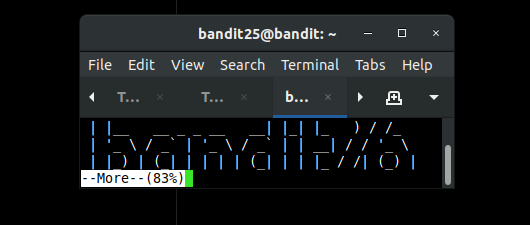
the showtext script doesn’t reach the exit command and we are now in the interactive mode for more(1) command, now pressing Esc character then pressing v, we will be editing the file with vim editor.
now we will try to get shell from within vim.


great we got shell!, this level is done now.