the password for the next level is stored in a file readme in the homedirectory. unfortunately, someone has modified .bashrc to log you out when you log in with SSH
Solution
from ssh(1) man page
if command is specified, it is executed on the remote host instead of a login shell.
so, we can cat(1) the readme file, the server will reward us with next level’s password and we are done
well, now i will demonstrate another way of solving this challenge.
there are 2 files in the homedirectory: passwords.old and passwords.new. the password for the next level is in passwords.new and is the only line that has been changed between passwords.old and passwords.new NOTE: if you have solved this level and see ‘Byebye!’ when trying to log into bandit18, this is related to the next level, bandit19
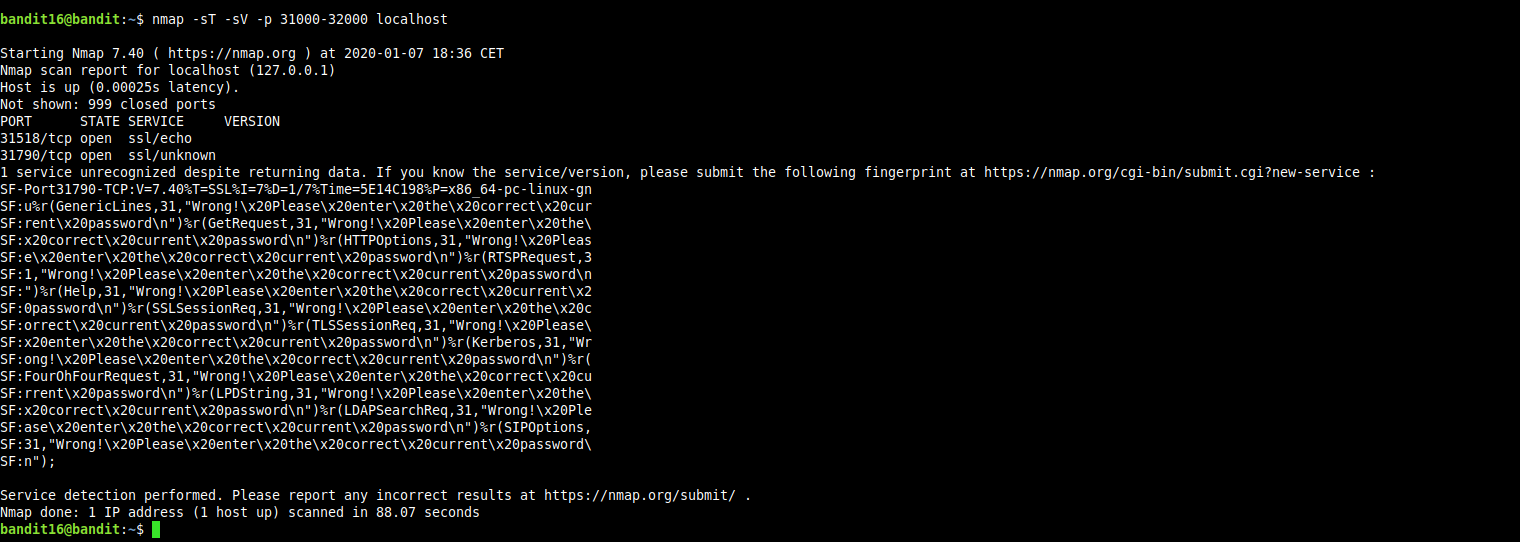
the credentials for the next level can be retrieved by submitting the password of the current level to a port on localhost in the range 31000 to 32000. first find out which of these ports have a server listening on them. then find out which of those speak SSL and which don’t. there is only 1 server that will give the next credentials, the others will simply send back to you whatever you send to it.
Solution
we will use namp to scan the range of ports and use it’s version detection functionality get more info about what is actually running/listening on those ports.
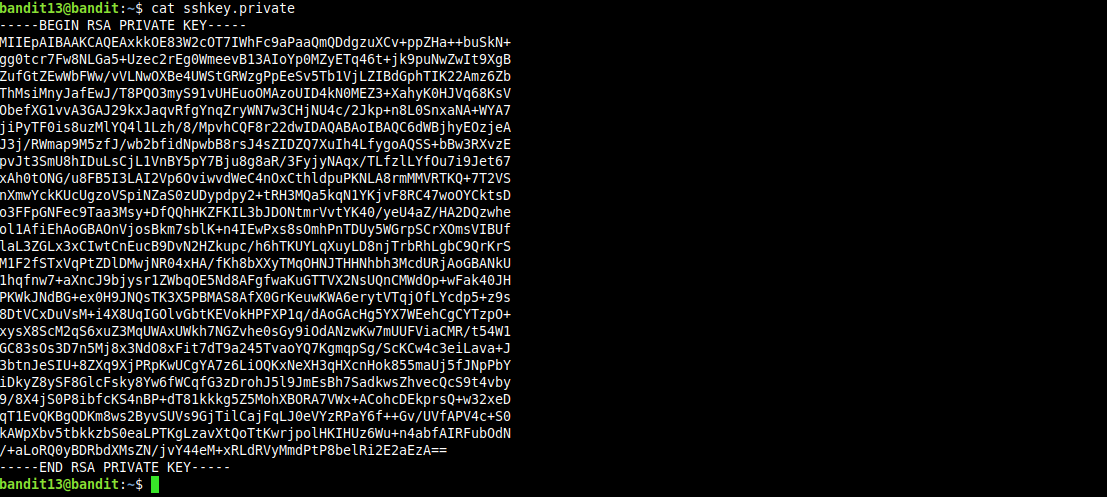
the password for the next level is stored in /etc/bandit_pass/bandit14 and can only be read by user bandit14. for this level, you don’t get the next password, but you get a private SSH key that can be used to log into the next level. Note: localhost is a hostname that refers to the machine you are working on.
Solution
after logging into the server as user bandit13 we find the private key for user bandit14 in a file named sshkey.private in the home directory for user bandit13.
The password for the next level is stored in the file data.txt which is the hexdump of a file that hash been repeatedly compressed. For this level it may be useful to create a directory under /tmp in which you can work using mkdir. For example: mkdir /tmp/myname123. Then copy the datafile using cp, and renamed it using mv (read the manpages!)
Solution
first we create our playground directory and make it our CWD